

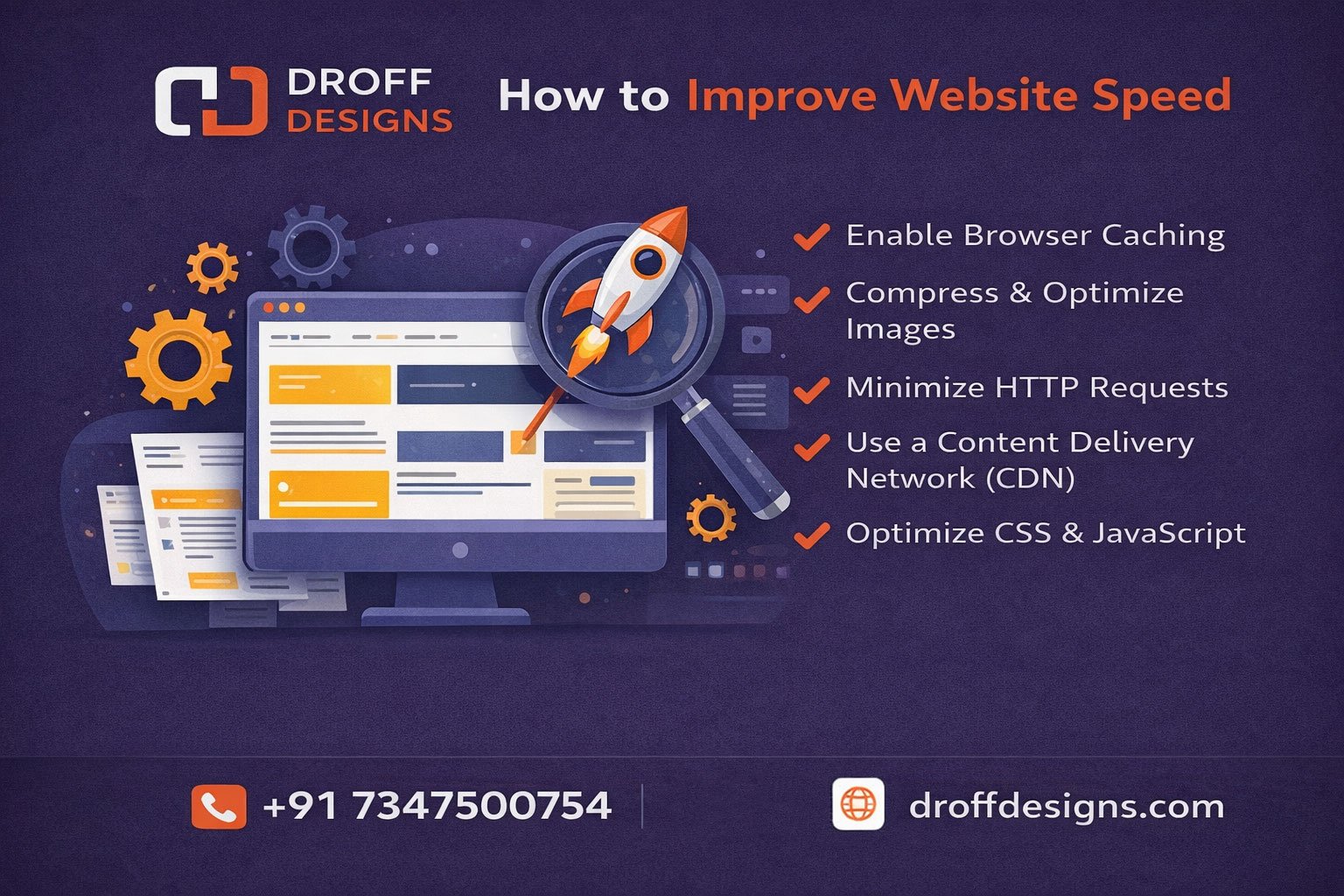
A fast-loading website is essential for user experience, SEO, and conversion rates. In this guide, you will learn how to improve website speed, especially for WordPress websites, using practical, beginner-friendly, and advanced optimization techniques that truly work in 2026.
Page Contents
ToggleHow to Improve Website Speed in 2026
Website performance directly impacts user experience, sales, and search rankings. It is obvious that Google favors websites with seamless interactions and fast loading times. This is why understanding how to improve website speed is essential for every business, developer, or blogger. If your site is slow, users bounce within seconds, and search engines push competitors ahead of you.
WordPress users need to know how to make their sites faster even more because plugins, themes, and hosting quality all affect performance. Below is a full set of easy-to-follow instructions.
Why Learning How to Improve Website Speed Matters
Learning how to improve website speed is important because page performance directly influences user experience, search engine ranking, and overall business growth. A fast website loads in seconds, keeps users engaged, and encourages them to explore more pages. When your site is slow, visitors leave immediately, which increases the bounce rate and reduces conversions.
Google uses page speed as a ranking factor. A website that loads quickly gets better visibility in search results, helping more people discover your business. Understanding how to improve website speed ensures that your site meets Google’s Core Web Vitals standards, which boosts SEO.
Similarly, increasing the performance of a WordPress website has a direct influence on blog traffic, e-commerce sales, and brand reputation. WordPress, being a flexible and plugin-driven CMS, requires structured optimization.
Techniques/Tools that improve website speed
1. Optimize Images to Improve Loading Time
A major factor affecting how to improve website speed is image size. Large, uncompressed images slow down every page. To reduce image size without sacrificing quality, use programs like TinyPNG, ShortPixel, or WebP Converter.
For WordPress:- Plugins like Smush or Imagify make it easier to speed up your WordPress site. WebP format is always better because it makes files smaller by compared to JPG or PNG.
2. Use a Lightweight Theme and Reduce Plugin Load
Choosing the right theme plays a crucial role in how to improve website speed. Heavy themes with unnecessary animations and scripts increase load time. Opt for lightweight themes like Astra, GeneratePress, or Hello Elementor.
Too many plugins in WordPress make extra HTTP requests. One of the most important things you can do to speed up your WordPress site is to clean up your plugins. Delete old plugins and keep only the ones you need.
3. Use GZIP compression and browser caching
When you visit a site more than once, browser caching stores static files on your computer, which cuts down on the amount of data you have to download. This method is a big help for all kinds of websites that want to speed up their pages.
WordPress users can easily implement caching using plugins like litespeed cache or W3 Total Cache etc. These tools also enable GZIP compression, which is a core step in how to improve WordPress site speed.
4. Upgrade to a High-Performance Hosting Provider
Managed WordPress hosting services like Hostinger and godaddy can make a big difference in how to make your WordPress site faster. These hosting services have better caching, optimized servers, and faster PHP execution.
5. Minify files that contain CSS, JavaScript, and HTML
Removes unnecessary characters and whitespace from code files. When you are learning how to improve website speed, reducing file weight is one of the simplest wins.
Tools like Autoptimize or WP Rocket make it easier to understand how to improve WordPress site speed using automatic CSS and JS optimization. This reduces page load and improves Google Lighthouse scores.
6. Use a CDN (Content Delivery Network)
A CDN stores your site’s content on servers around the world so visitors get fast access from the nearest location. Cloudflare or BunnyCDN are great choices.
When you want to speed up your website for visitors from all over the world, using a CDN is a great idea. Adding a CDN to your WordPress site is a great way to speed it up because it makes static files load much faster.
7. Regularly clean your database
Your server will run slower if your database is full. Cleaning up old post revisions, spam comments, and unused data is a big part of how to make your website run faster.
WP-Optimize and other WordPress plugins make it easy to speed up your site by cleaning up the database automatically.
Conclusion
Mastering how to improve website speed is essential for better rankings, higher engagement, and improved conversions. If your website runs on WordPress, focusing on how to improve WordPress site speed will give you even faster results. With optimized images, better hosting, caching, CDN, and clean code, your website can perform at its full potential.
If you need any technical help with website design, website speed or other you can contact Droff Designs.